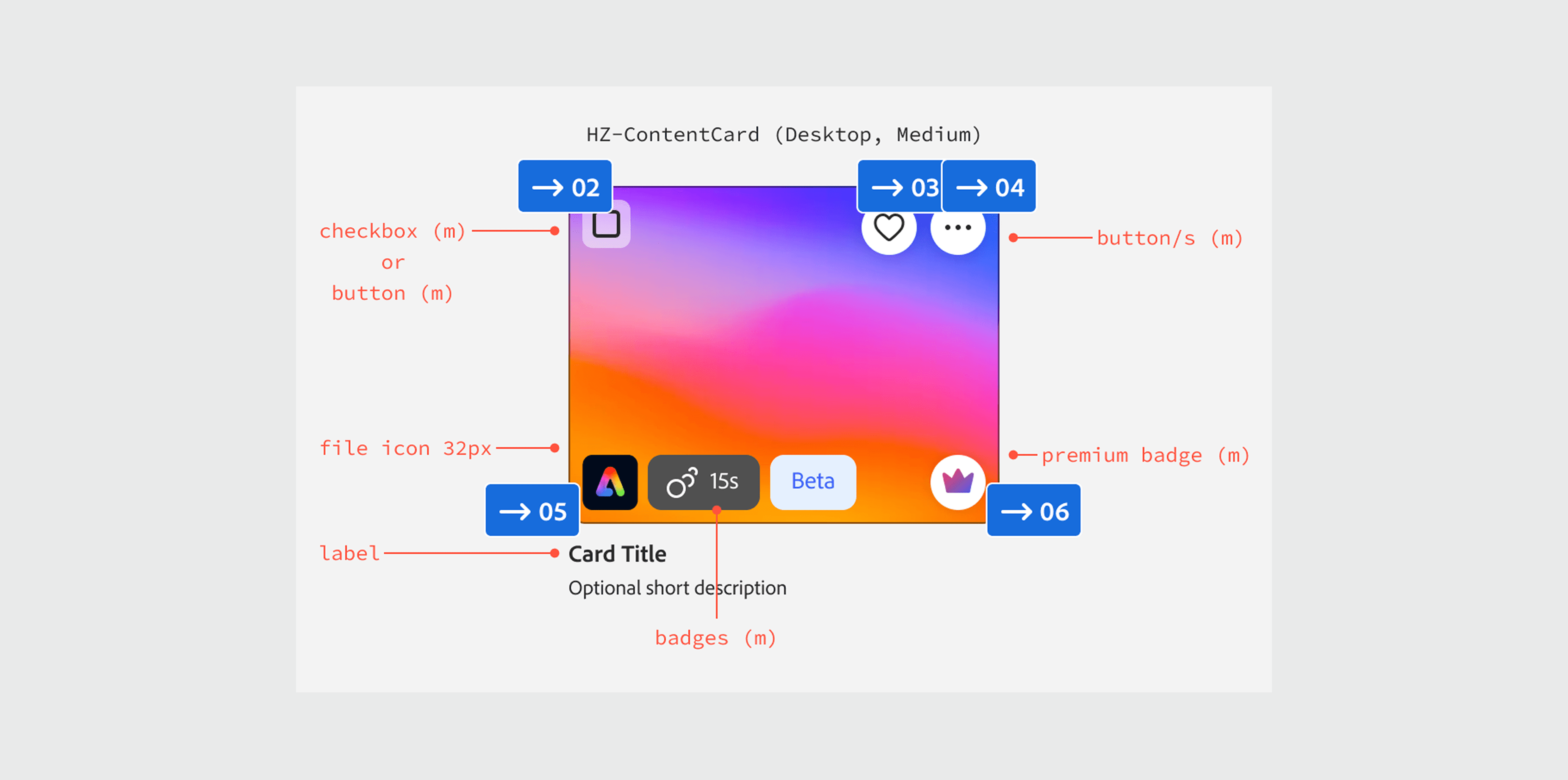
Adobe Express started out independently and rapidly-built from the rest of the Adobe Suite. As a result, it is littered with inconsistent custom UI implementation that were designed in feature vacuums.
My role: Lead Designer & Strategist
Project Summary
Problem: Express relies heavily on cards and thumbnails, but implementation historically has been messy, inconsistent, and were riddled with accessibility non-compliance.
Goal: Design and build an accessible and performant card component that was accessible, scalable, and flexible enough to serve several verticals across Adobe Express.
Impact: Designed a flexible and accessible component that replaced several custom UI in Express, deprecating 40 custom implementations from Figma library with a single component. Additionally, defined constraints and limitations for adjacent components to better advise Express designers on component choice when building features
Making sense of a pile of notes
This project was handed off to me when another designer left the team. At the time, it was a plethora of notes and explorations. Many things were defined, but I didn’t have all the context to inform further decisions to prioritize scope and fill in the gaps.
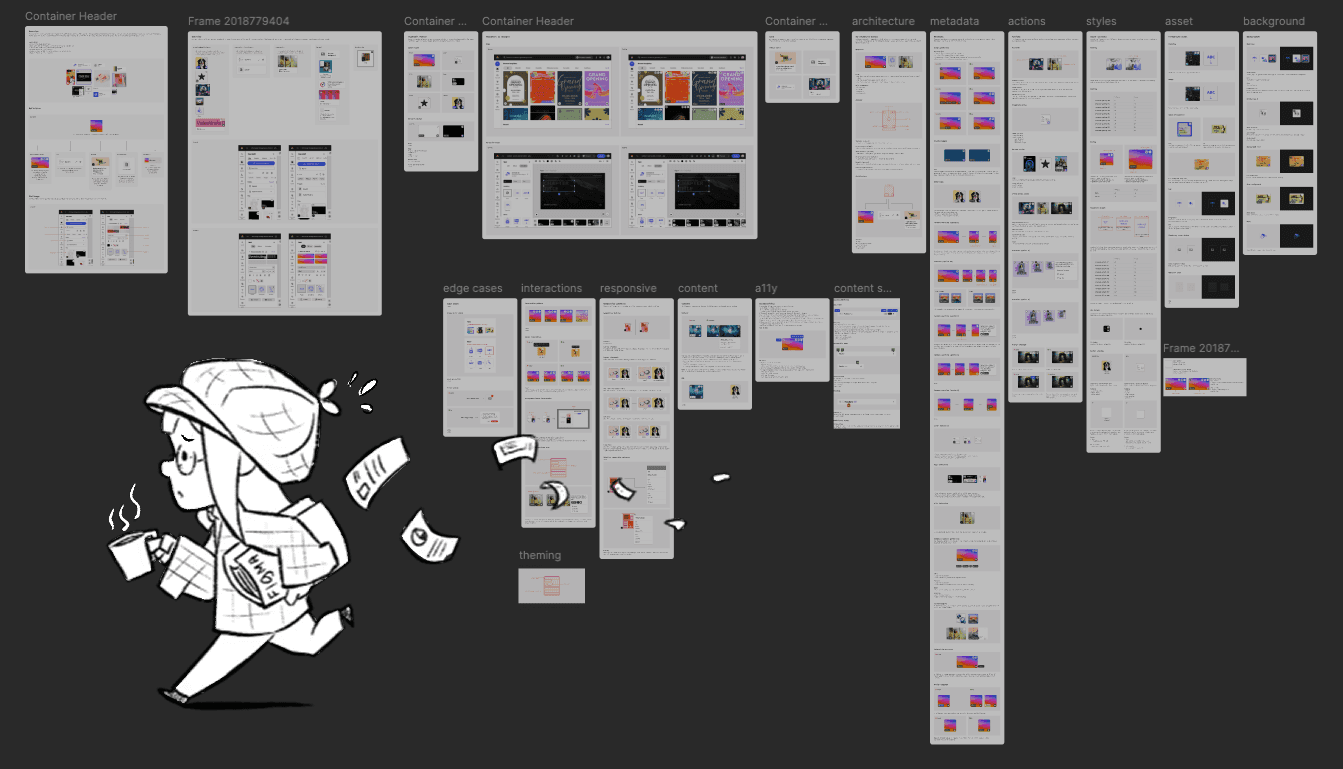
Furthermore, the designs had not been reviewed with product and engineering, so I got to work scheduling stakeholder interviews and auditing the app to compare notes. I interviewed over 10 designers across different surfaces areas of Express and confirmed and provided needed context on the needs for.
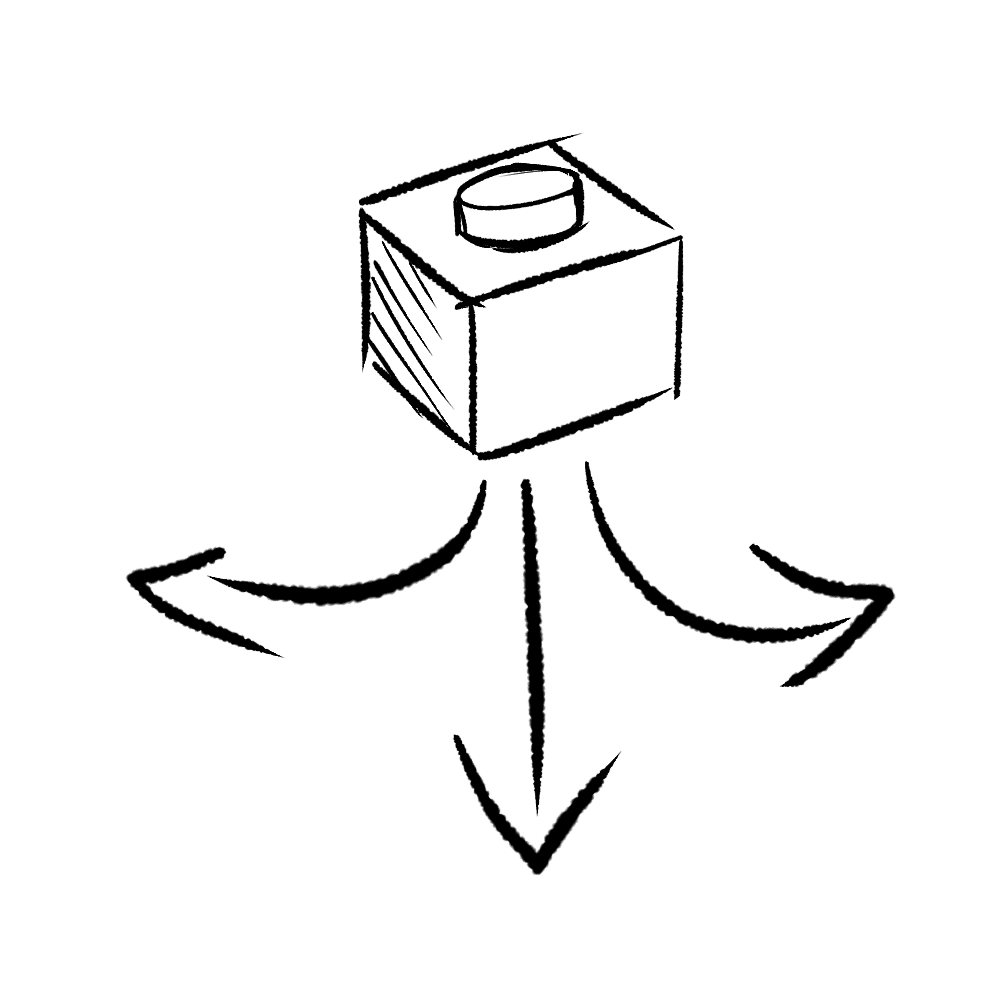
Flexible modularity
Build for many use cases in the product while being to support upcoming features
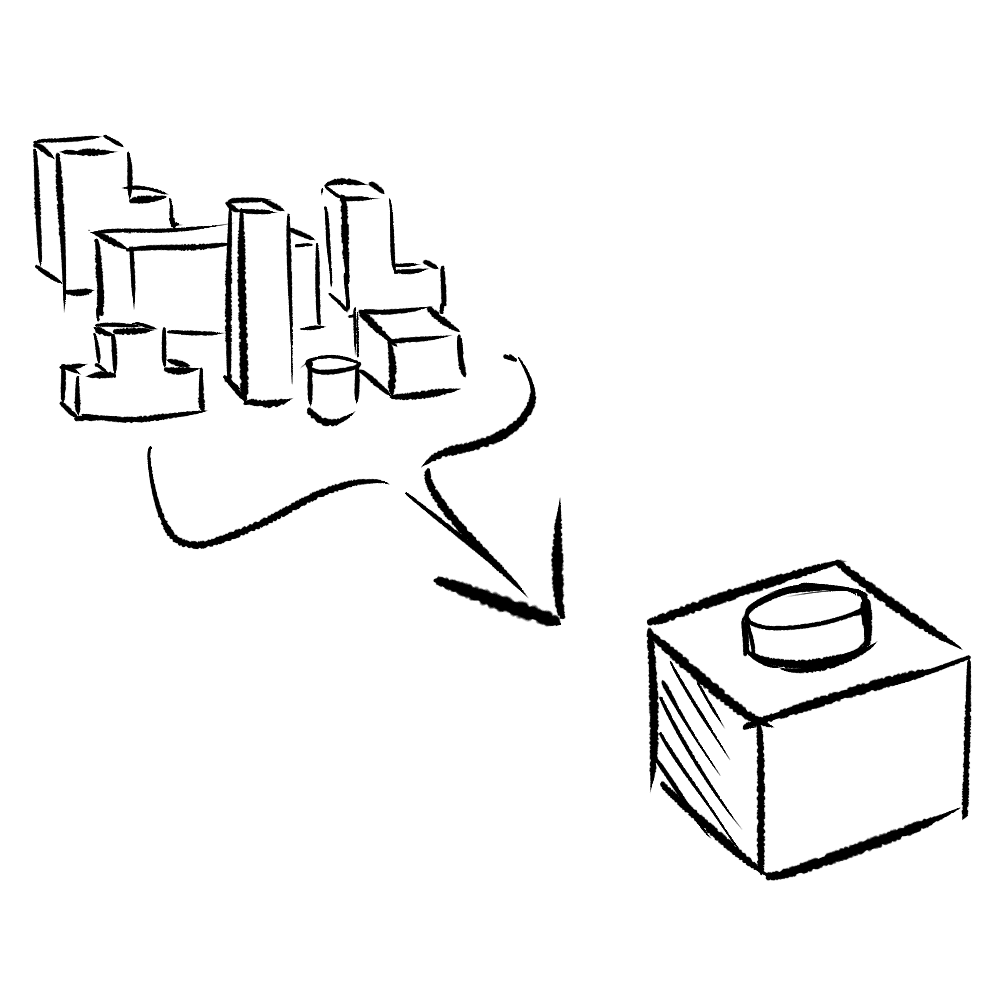
Simplified library
Provide clear guidance to help designers better understand which components to use
Development-ready
Clean up library to better align with available components for feature teams to utilize
Figuring out how to prioritize
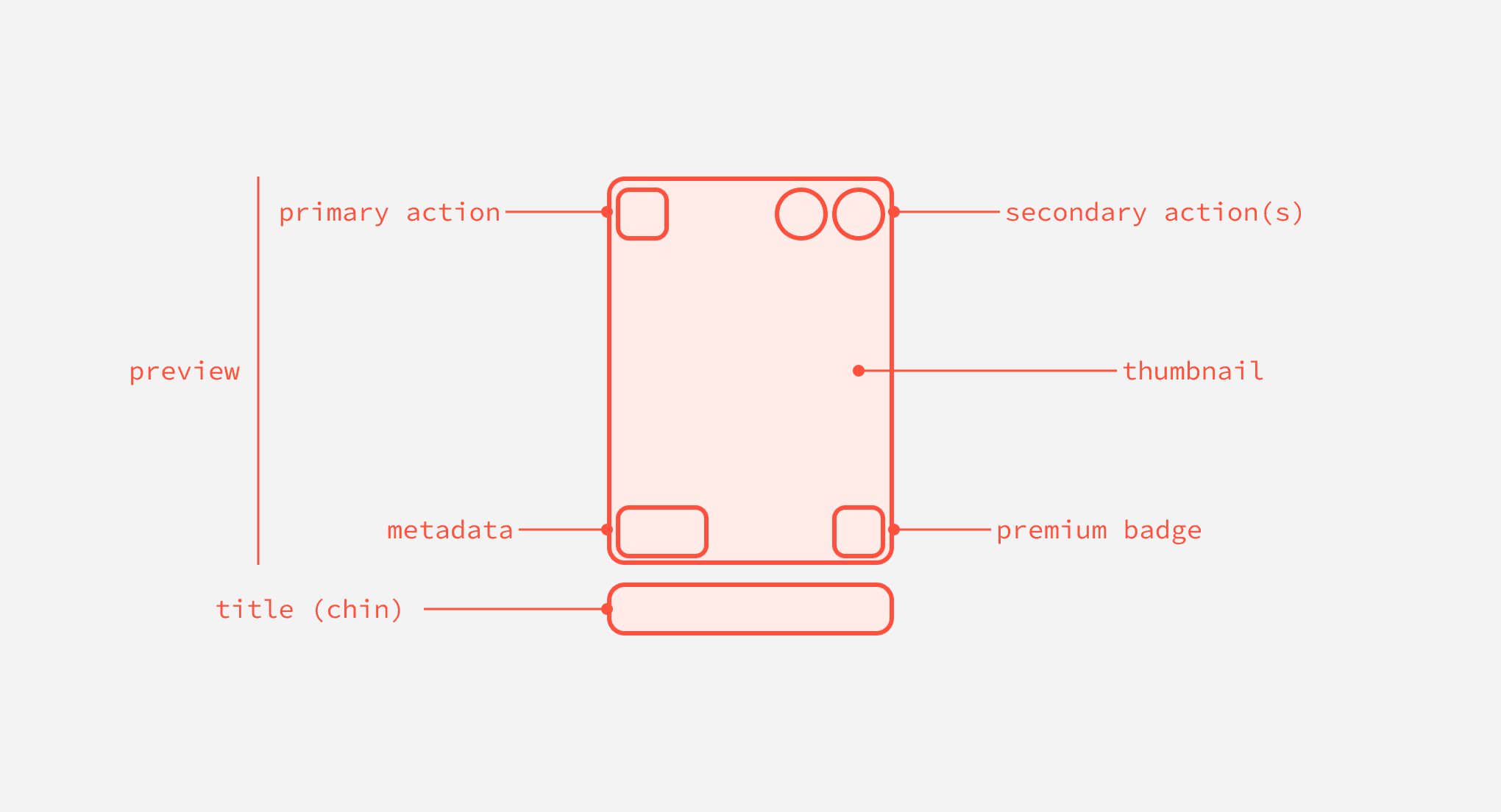
After I had a bit more context on the decisions, I reviewed the work as-is with product and engineering to start thinking about execution. Because the work was a lot, we decided to hone our focus on a P0 to support an upcoming search revamp. This included everything that was defined in the anatomy, so I decided to use that as a North Star.
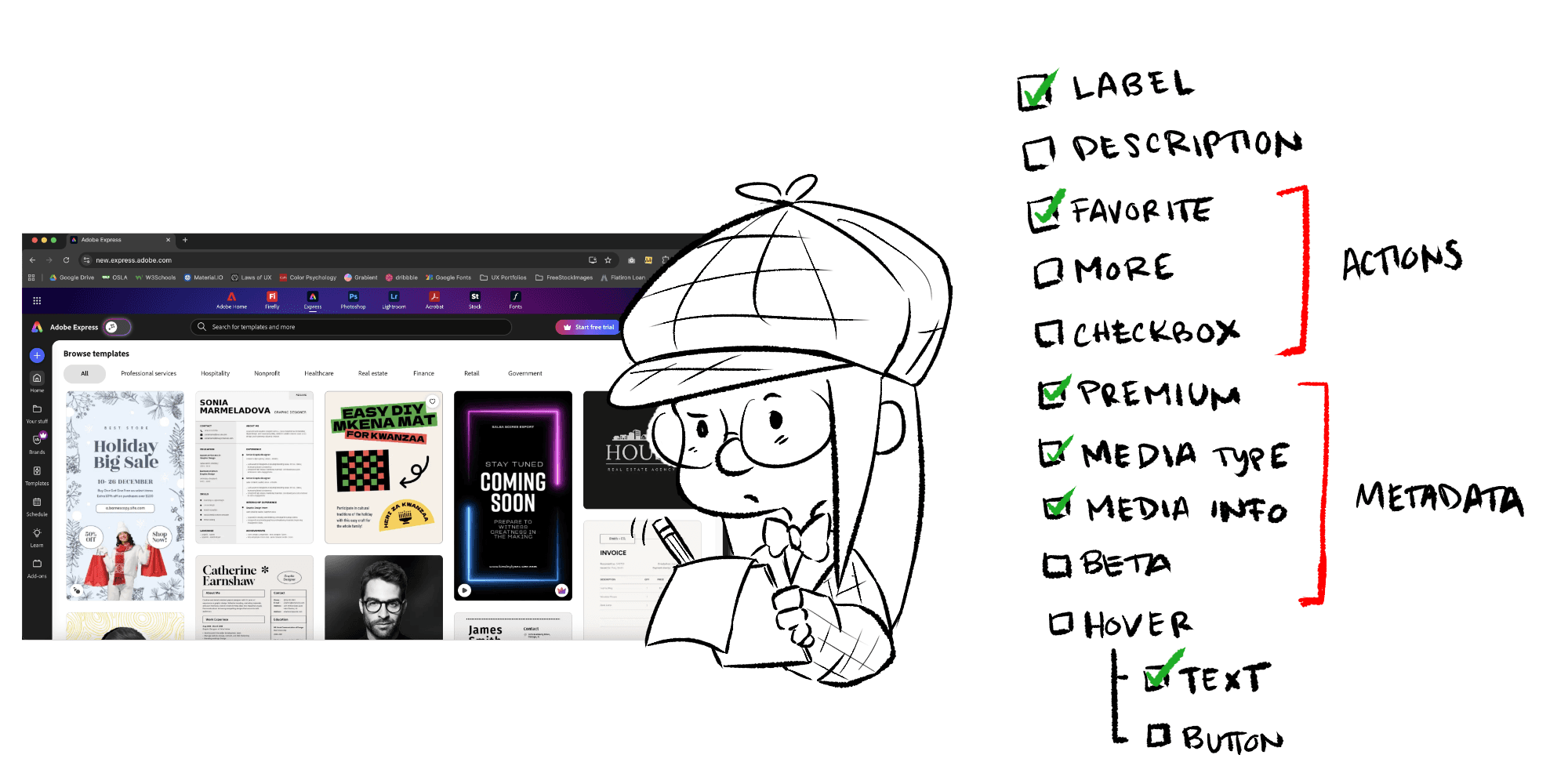
I then conducted an audit across the app that were requested to inform which features would benefit from P0 and which would have to wait for later phases and followups to manage stakeholder expectations and support my team in release planning and communication.
Development preparation & release planning
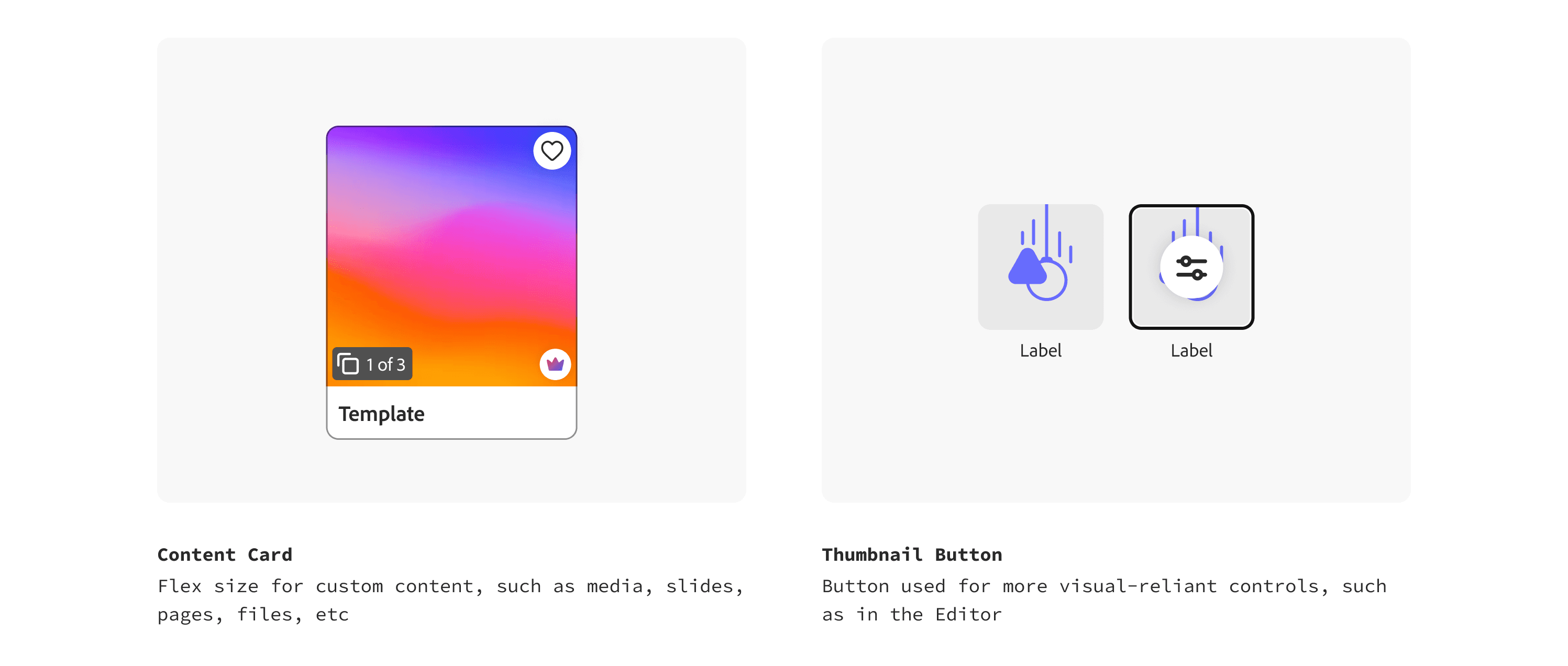
After the initial development and product reviews, I cleaned up the documentation to conduct more succinct reviews with the initial design stakeholders and started looping in accessibility. These revealed even more areas of clarity that allowed me better define the specific uses of this component compared to others, so I started to make those differentiations and queued up my backlog with tasks to document these guidelines.
Documenting for developers
To ensure that the phases weren’t going to confuse developers, I made sure to separate out previous notes and designs in a different document and only highlight what was included in P0. I drafted robust notes highlighting all the nitty gritty details my dev partners would need to successfully build the component even if I wasn’t around.
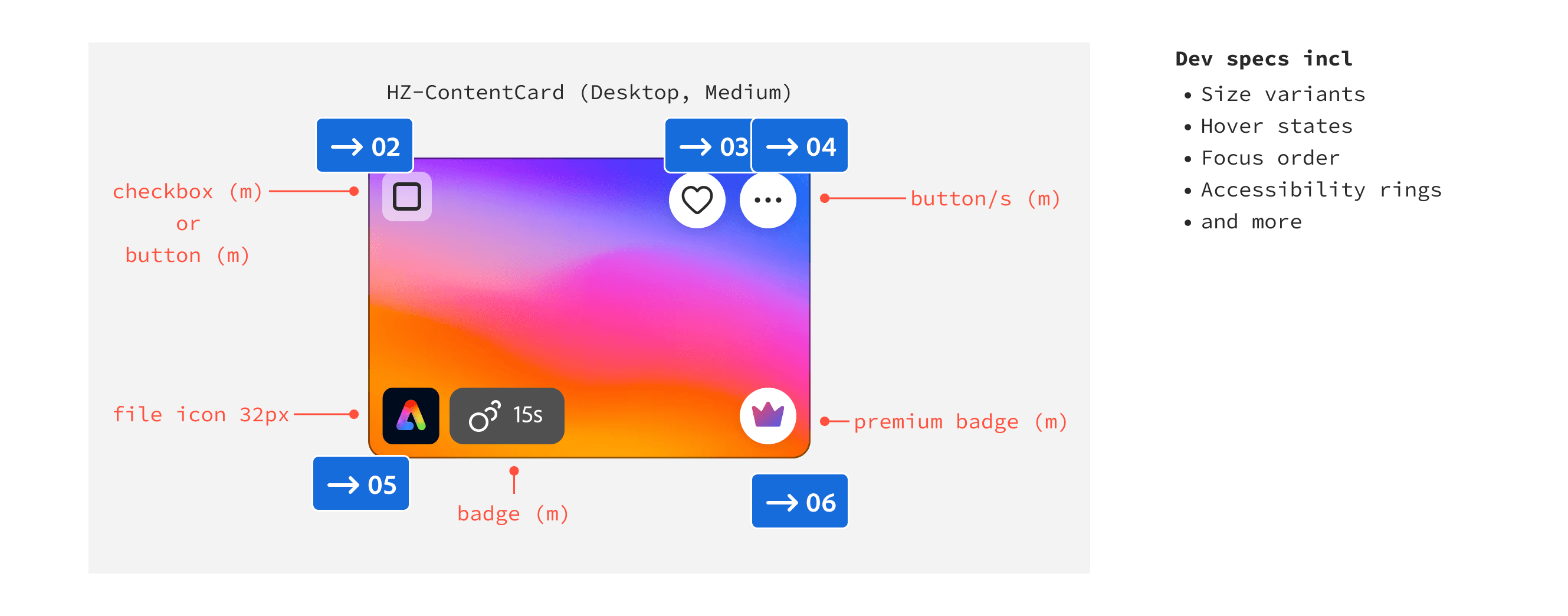
Building for a design team
I wanted to provide designers of the team to be able to use the component to its full capacity. That meant a lot of settings, so I made sure to build it in a way that different settings would open/close with the suggested instance swapping to provide suggestions for the most common use cases. I made sure to make the most common configuration the default, so that designers have as a reference when using the component.
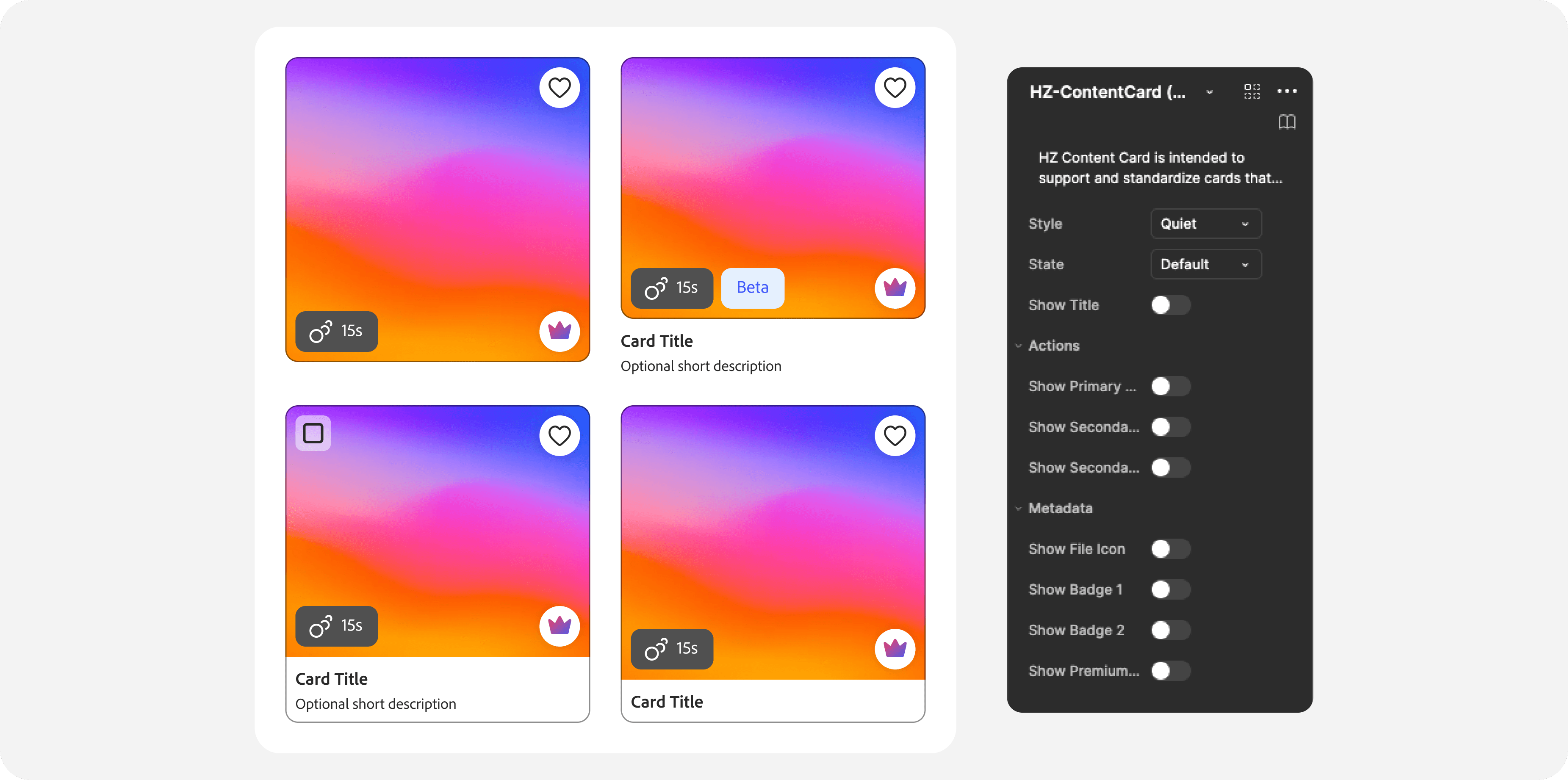
In addition to the build, I prepared a complete package file that included:
A list of similar components to provide designers aid with narrowing decisions on which to use for which features
A summarized walkthrough of the new card since the technical documentation for the devs was quite a lot
Historical documentation on the decisions made in order to provide the rest of the design system team background context that we could reference for future phases and new additions
Measuring success
Since this is a brand new component, there were several things to measure.
Component Build — Given the complexity, it is important to see how designers use it
Component Performance — It is important that the card is performant and efficient before we can expand it (Figma & Code)
Feature Feedback — Getting feedback helps clarify the priorities in the planned phases of the component
Lessons Learned
Documenting decisions benefits everyone —
I received this immense project shortly after I joined the team. Trying to retrace the steps of someone who no longer worked at the company was quite difficult, especially when having to answer questions, make my own decisions, and striking balance for scope. I started worked with the Design System manager to start a section in our Figma files to not only house and organize these notes, but also keep additional documentation that could provide current and future teammates with notes so we’re all on the same page!
Constraints foster efficiency and creativity —
When I first received this component, the designs were meant to be super flexible. In fact, it was too flexible that we had a hard time drawing lines at first of what was the most important to build, and designers were confused on which components to use. During this work, not only did I manage to abstract needs for this component, I also defined the specific use cases for others like it, and provided guidelines for my teammates to thoughtfully select components that would fit their variety of use cases.
Kind words from my manager
"I’ve had the privilege of working this past year with Martha on the Foundations team as we built and evolved the Express Design System, and she’s been nothing short of amazing. She quickly stepped into work that had been started by another designer, consolidated it with clarity, and ensured alignment across a broad range of stakeholders. Her ability to balance scalability with design craft made a huge difference in shaping complex components like Hz cards, thumbnails, and several of our Premium patterns. Martha is the kind of designer who thrives on both the detail and the strategic level.
She worked closely with engineers and our PM to define scope and thoughtfully phase complex components, bridging timezone gaps and keeping collaboration smooth. At the same time, she helped guide our team through a major transition to a new design system, all while onboarding two new designers with patience and mentorship."
— Carmen Ruse, Group Design Manager
Check out my other projects
Want to know more about how I work and solve problems? See my other work!
View Work
Wanna know what else I've got or more about my newer projects? Hit me up! 👇🏽